UX Design: Roomi
UX Design: Roomi
UX Design: Roomi
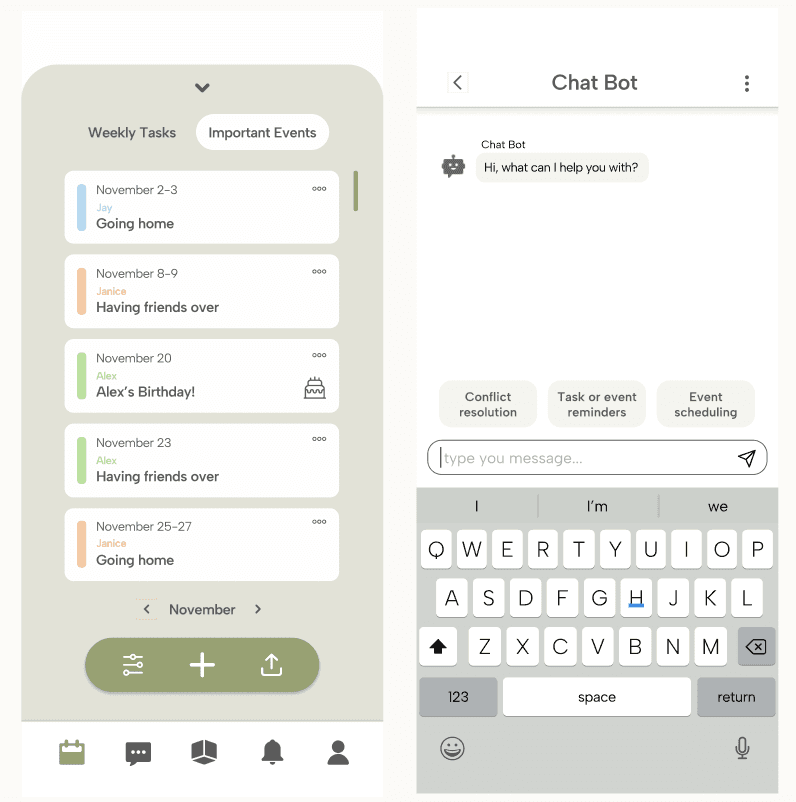
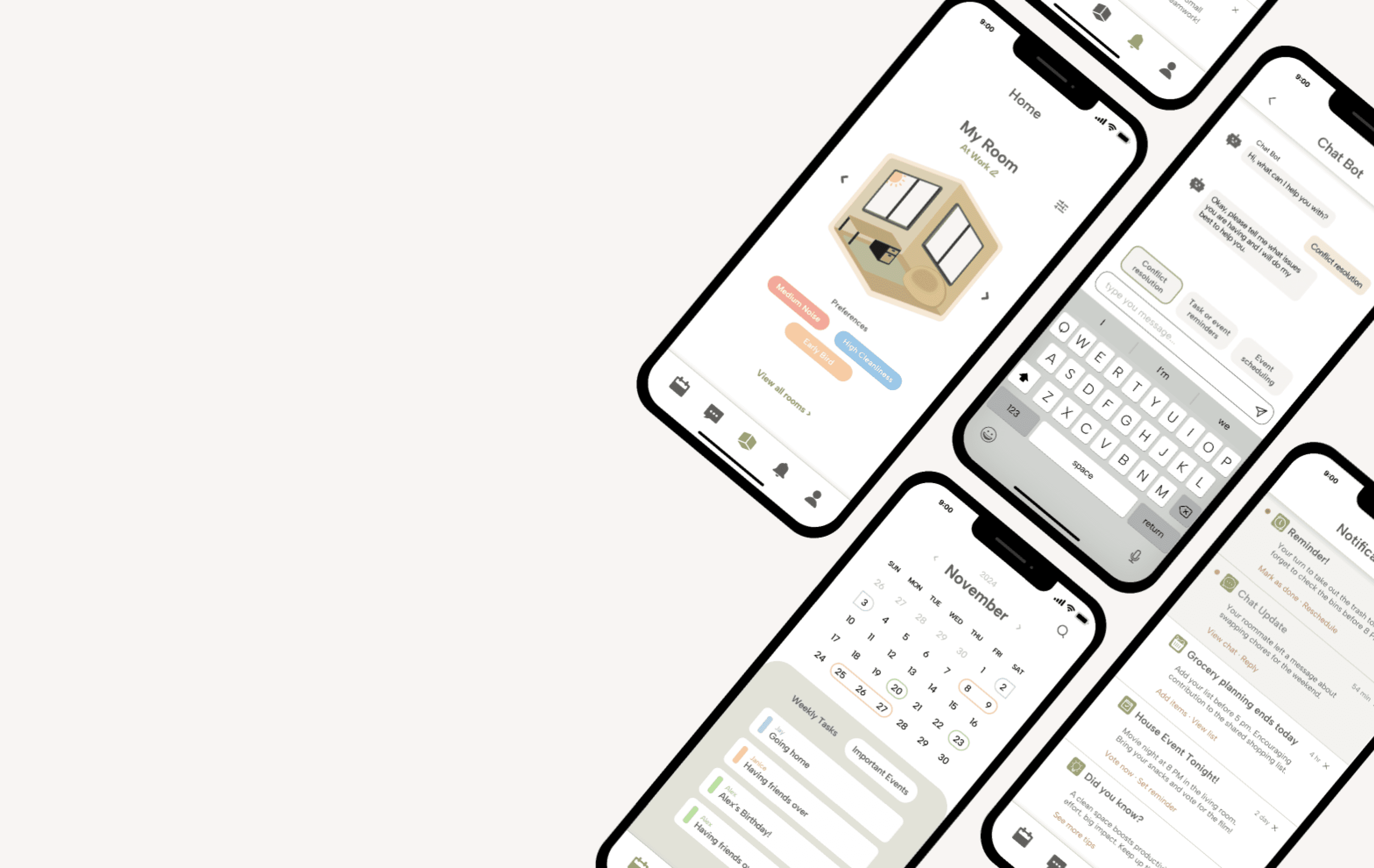
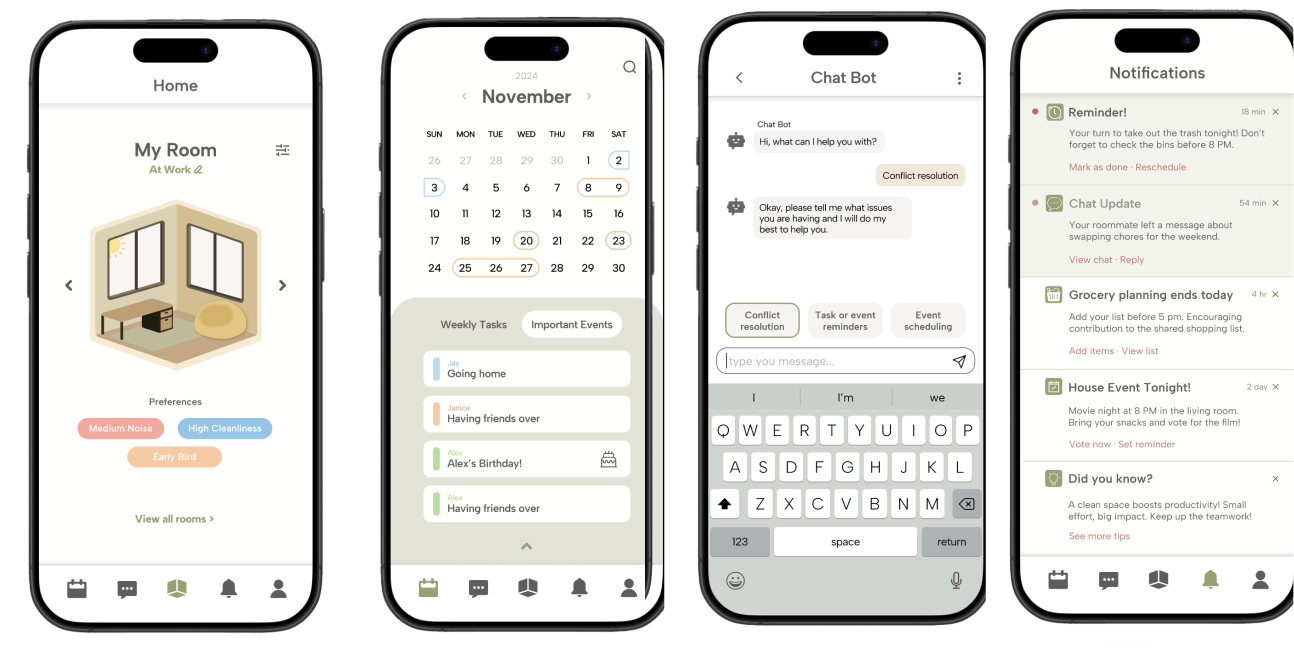
Ever had a roommate who never responds to your texts or who turns every conversation into an awkward showdown? We’ve all been there, and that’s exactly why we created Roomi. This app is designed to solve the classic communication breakdowns that lead to stress and frustration in shared living spaces. With lifestyle profiles to align routines and set clear boundaries from the get-go, plus tools to manage shared tasks, Roomi brings order to the chaos. The real magic? Our AI chatbot, which helps users craft polite, effective text messages, so you can skip the uncomfortable face-to-face talks and get straight to a smoother living experience.
Ever had a roommate who never responds to your texts or who turns every conversation into an awkward showdown? We’ve all been there, and that’s exactly why we created Roomi. This app is designed to solve the classic communication breakdowns that lead to stress and frustration in shared living spaces. With lifestyle profiles to align routines and set clear boundaries from the get-go, plus tools to manage shared tasks, Roomi brings order to the chaos. The real magic? Our AI chatbot, which helps users craft polite, effective text messages, so you can skip the uncomfortable face-to-face talks and get straight to a smoother living experience.
Ever had a roommate who never responds to your texts or who turns every conversation into an awkward showdown? We’ve all been there, and that’s exactly why we created Roomi. This app is designed to solve the classic communication breakdowns that lead to stress and frustration in shared living spaces. With lifestyle profiles to align routines and set clear boundaries from the get-go, plus tools to manage shared tasks, Roomi brings order to the chaos. The real magic? Our AI chatbot, which helps users craft polite, effective text messages, so you can skip the uncomfortable face-to-face talks and get straight to a smoother living experience.
| ROLES
Group Lead
UX/UI Design
Research
Prototyping
| ROLES
Group Lead
UX/UI Design
Research
Prototyping
| ROLES
Group Lead
UX/UI Design
Research
Prototyping
| TIMELINE
Sept - Nov 2024
(~ 2 months)
| TIMELINE
Sept - Nov
2024
(~ 2 months)
| TIMELINE
Sept - Nov 2024
(~ 2 months)
| SKILLS
Design and branding, User research and strategy, UX and product design, Prototyping, Photography and videography
| SKILLS
Design and branding, User research and strategy, UX and product design, Prototyping, Photography and videography
| SKILLS
Design and branding, User research and strategy, UX and product design, Prototyping, Photography and videography
A Streamlined Path to Impactful Design
A Streamlined Path to Impactful Design
A Streamlined Path to Impactful Design
From understanding users to perfecting the final prototype, our design method ensures every detail serves a purpose.
From understanding users to perfecting the final prototype, our design method ensures every detail serves a purpose.
From understanding users to perfecting the final prototype, our design method ensures every detail serves a purpose.
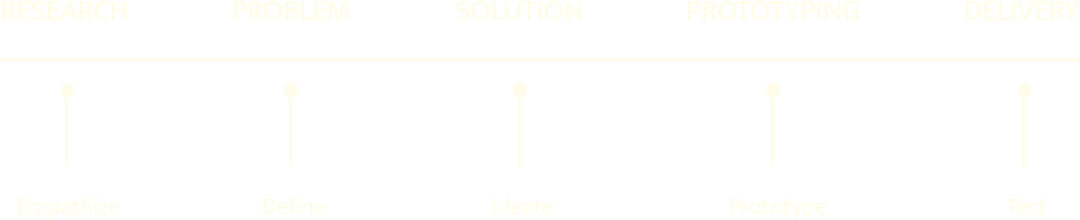
Empathize: Interviews, Personas and User Tasks
To understand our users’ needs and frustrations, we interviewed four post-secondary students living with roommates. Common struggles included poor communication and messy shared spaces. From these insights, we created three user personas and associated tasks to guide our solution brainstorming.
Empathize: Interviews, Personas and User Tasks
To understand our users’ needs and frustrations, we interviewed four post-secondary students living with roommates. Common struggles included poor communication and messy shared spaces. From these insights, we created three user personas and associated tasks to guide our solution brainstorming.
Empathize: Interviews, Personas and User Tasks
To understand our users’ needs and frustrations, we interviewed four post-secondary students living with roommates. Common struggles included poor communication and messy shared spaces. From these insights, we created three user personas and associated tasks to guide our solution brainstorming.
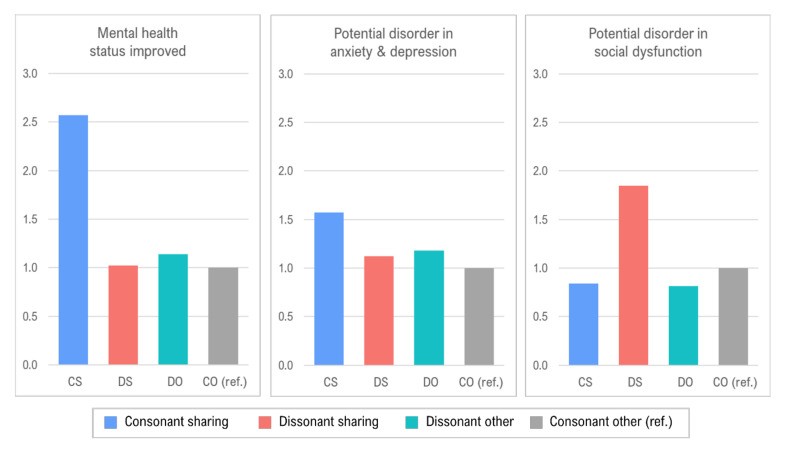
“ I’m the type of roommate to leave sticky notes, but using the event scheduling & room chat together would be something I’d definitely use. ”
- User Testing Participant
“ I’m the type of roommate to leave sticky notes, but using the event scheduling & room chat together would be something I’d definitely use. ”
- User Testing Participant
“ I’m the type of roommate to leave sticky notes, but using the event scheduling & room chat together would be something I’d definitely use. ”
- User Testing Participant
Define: Gathering Clear Requirements
User insights were translated into seven key app requirements. The most essential included: a messaging system, shared task management, roommate matching, and privacy features to address boundaries.
Define: Gathering Clear Requirements
User insights were translated into seven key app requirements. The most essential included: a messaging system, shared task management, roommate matching, and privacy features to address boundaries.
Ideate: Storyboards & Wireframes
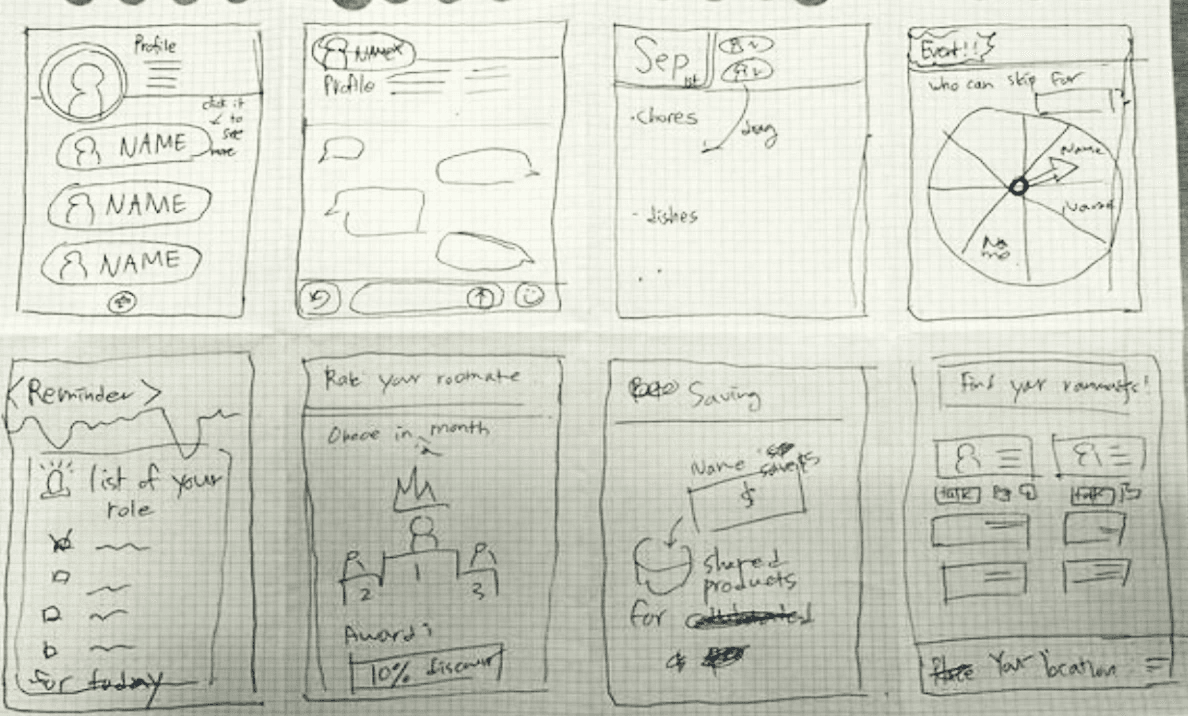
Using our defined requirements, we brainstormed app features and selected three strong concepts. These were developed into storyboards and turned into early physical prototypes for initial experience testing.
Ideate: Storyboards & Wireframes
Using our defined requirements, we brainstormed app features and selected three strong concepts. These were developed into storyboards and turned into early physical prototypes for initial experience testing.
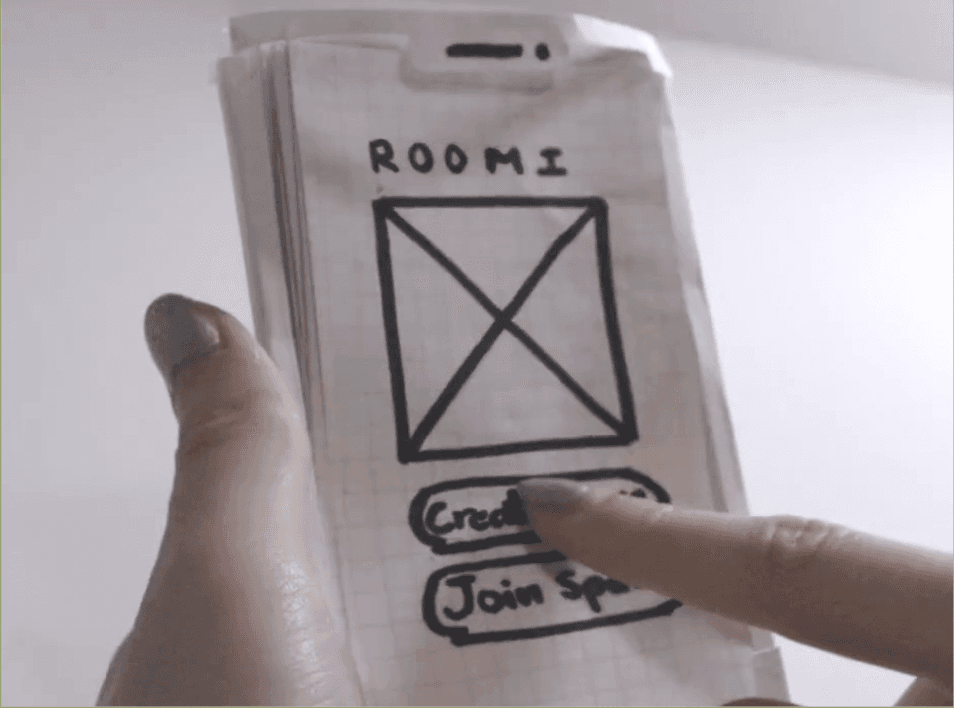
Prototype: From Lo-Fi to Hi-Fi
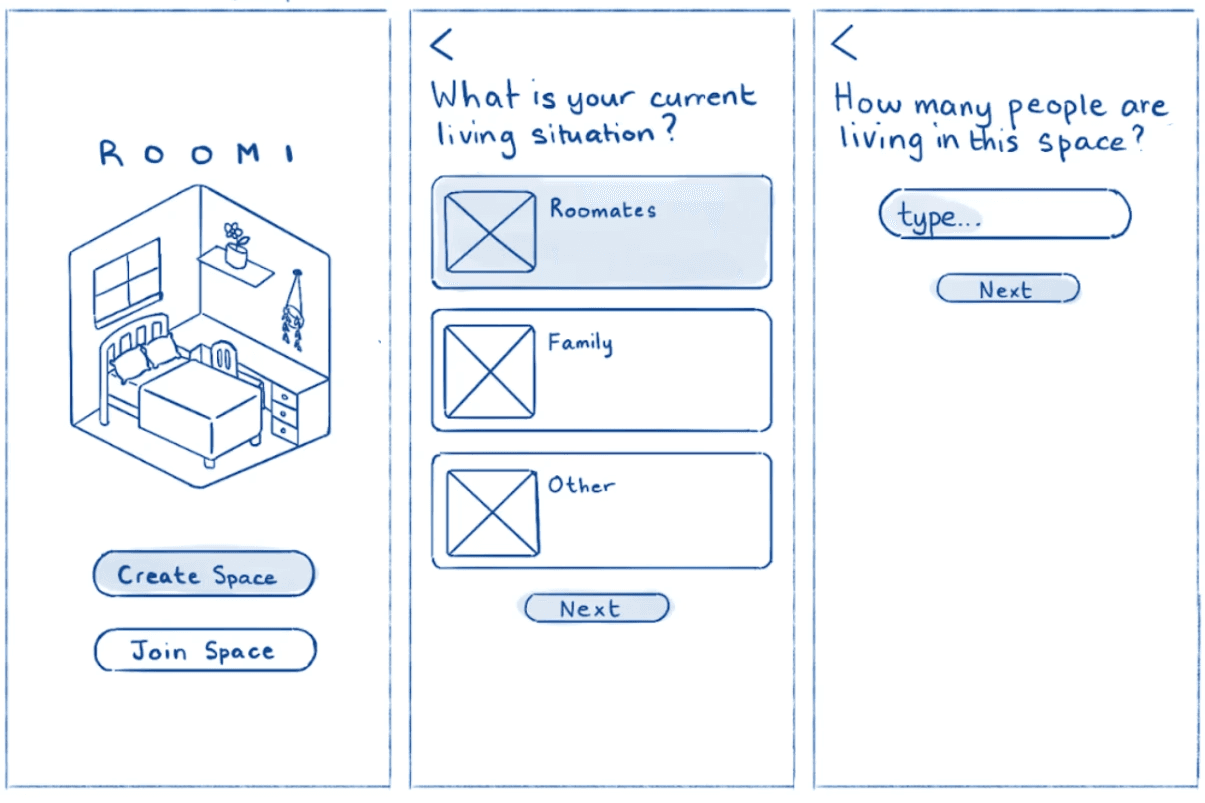
We brought our concept to life in Figma, starting with low-fidelity wireframes. After identifying UX issues, we created a polished, interactive high-fidelity prototype for more refined testing.
Test: Real Users, Real Feedback
Our final step involved usability testing with university students. Their feedback helped us identify and resolve key usability issues, ensuring our app met real user needs.
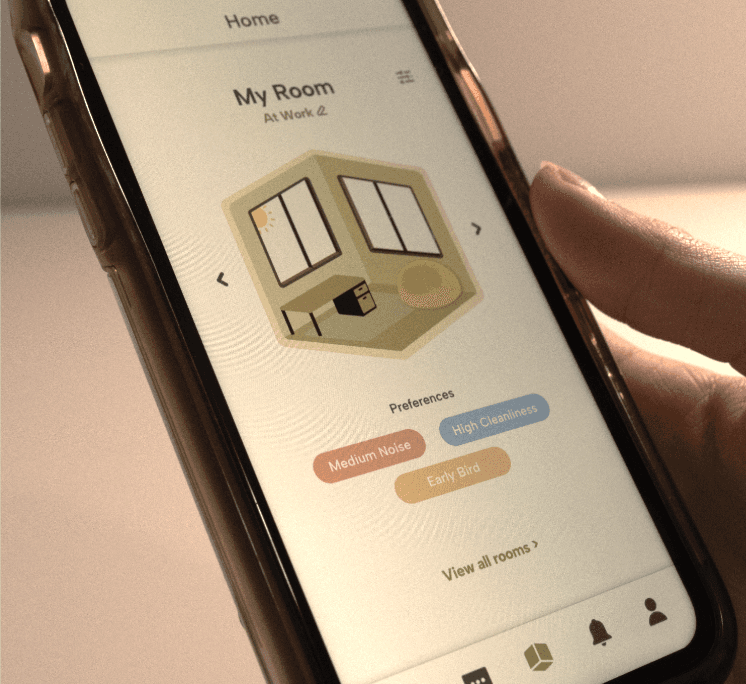
Prototype: From Lo-Fi to Hi-Fi
We brought our concept to life in Figma, starting with low-fidelity wireframes. After identifying UX issues, we created a polished, interactive high-fidelity prototype for more refined testing.
Test: Real Users, Real Feedback
Our final step involved usability testing with university students. Their feedback helped us identify and resolve key usability issues, ensuring our app met real user needs.